We made adding things to Things To Have much faster! Now you can use a bookmarklet or an Apple shortcut to quickly add things. We also made a widget that store owners can use to add a wishlist feature.
A bookmarklet for your browser

The bookmarklet, one click away on every page
The quick add bookmarklet sits in your bookmarks bar. Click it on any product page and a small window opens with the name and link already filled in, while we fetch the price and the image. Pick a list, save, and you are back where you were.
It works on any site, in any desktop browser.
A shortcut for your iPhone
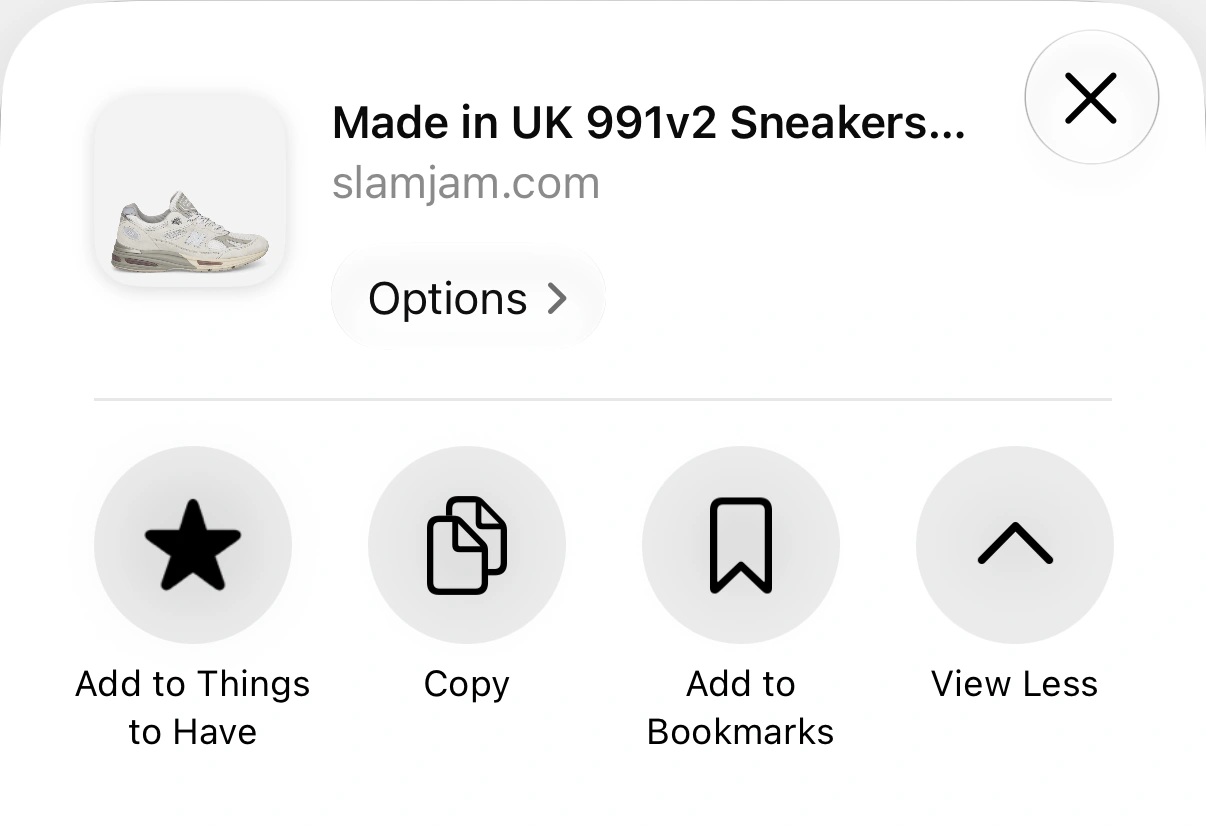
The shortcut, sitting in the share sheet next to Copy
As bookmarklets don't work on phones, we made an Apple shortcut that works the same way and lives in the share sheet. Install the shortcut, then tap Share → Add to Things to Have in Safari — or in any app that can share a link.
A wishlist button for your own site
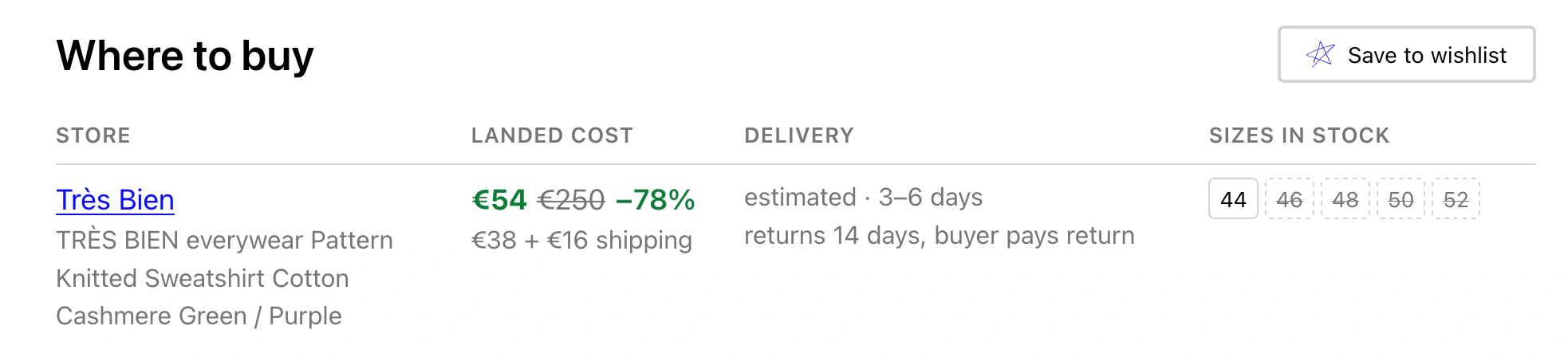
Things To Have integrated into supplyvision.app
If you run a shop or a blog, the Save to wishlist button lets your visitors save your products. It is one line of HTML — no script to load, nothing running on your visitors' machines, and no account needed to install it.