Now you can add your birthday to Things To Have.
It can be done in Settings: pick a month and a day, and that's it. We care about your privacy, so we don't ask you for a year. Also — only your mutual friends will see it.
Friends page now shows all birthdays at a glance
Your Friends page now shows whose birthday is coming up next.
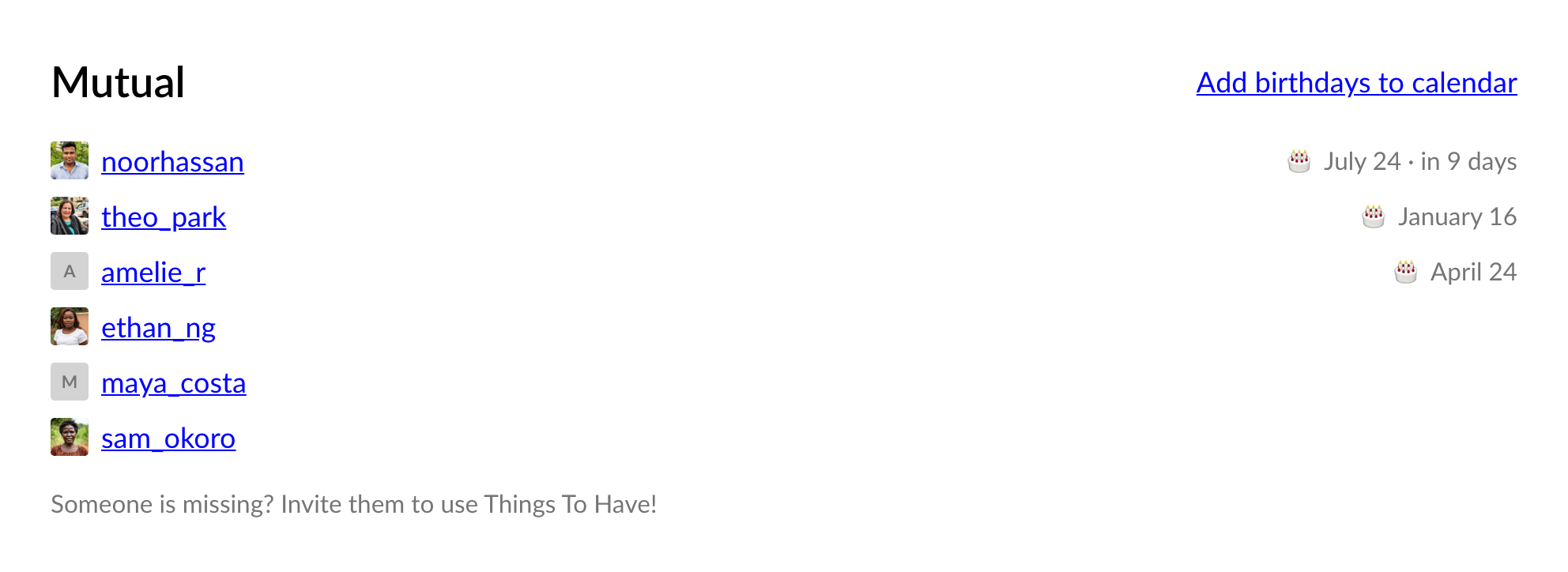
You can also add all your friends' birthdays to your calendar in one click — each one an all-day event that repeats every year and links straight to their profile.
Never miss a birthday
We will also send you and your friends a few notifications to facilitate your birthday:
- A month before, we'll nudge you to fill out your wishlist, while there's still time to add what you want.
- A few weeks before, your friends get a heads-up that it's coming, so they have time to pick something out.
- On the day, your friends get a note pointing at your profile.
- And you get a happy-birthday note from us.
Don't want the emails? Turn them off in Settings, or right from the email itself.
Go add your birthday — it's in Settings. And if your wishlist is empty, here's how to fill it.